
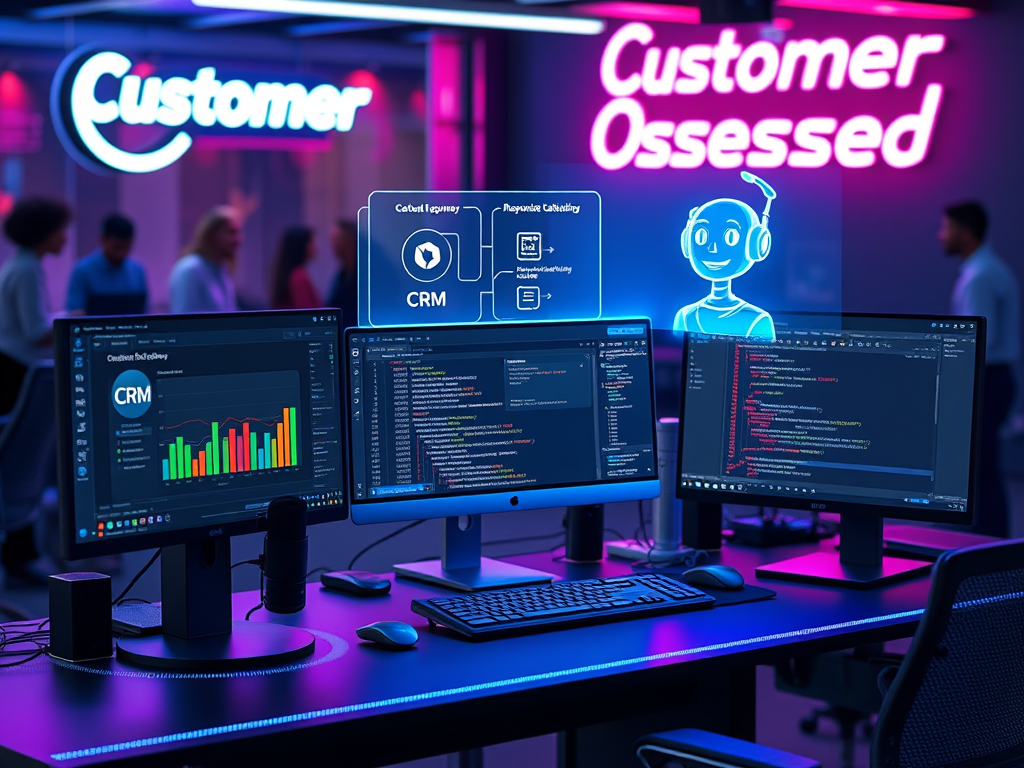
By Olusegun Awolola, Senior Web Developer & CRM Automation Specialist
In today’s fast-moving digital landscape, customers expect instant responses, personalized interactions, and seamless experiences. As developers, we can meet these demands by strategically integrating automation into websites—without losing the human touch.
Here’s how to automate for better customer relationships, not robotic transactions.
1. Chatbots That Actually Help (Not Annoy)
❌ Old Way: Basic scripted bots that frustrate users with “Sorry, I didn’t understand.”
✅ Smart Automation:
- AI-Powered Chatbots (GPT-4, Dialogflow) trained on FAQs and past support tickets.
- Escalation Triggers – If the bot detects frustration (e.g., “I want to speak to a human”), auto-route to live chat.
- Pro Tip: Use humor and brand voice to keep interactions friendly.
Example:
“`javascript
// Auto-detect user intent & escalate
if (userMessage.includes(“complaint”)) {
escalateToHumanAgent();
}
---

## **2. Personalized Email & SMS Workflows**
**❌ Old Way:** Blasting generic "Dear Customer" emails.
**✅ Smart Automation:**
- **Behavior-Based Triggers** (e.g., abandoned cart → follow-up with discount).
- **Dynamic Content** – Show recommended products based on browsing history.
- **Tools:** Mailchimp, Klaviyo, or custom APIs with **customer segmentation**.

**Tech Stack:**
- **Backend:** Node.js + MongoDB (track user behavior).
- **Frontend:** Cookies/localStorage for real-time personalization.

---

## **3. Self-Service Portals (Reduce Support Tickets by 40%)**
**Why?** Customers prefer solving issues **fast** without waiting.
**How?**
- **AI-Powered Knowledge Base** (Like Zendesk Guide) with natural language search.
- **Automated Ticket Tagging** – Use NLP to categorize support requests.
- **Video Tutorials** – Embed Loom clips for common problems.

**Dev Tip:**
python
Auto-tag support tickets
if “refund” in ticket_text:
assign_to_billing_team()
“`
4. Smart Forms That Adapt in Real-Time
❌ Old Way: Static forms with 20+ fields (user rage-quits).
✅ Smart Automation:
- Conditional Logic – Show/hide fields based on previous answers.
- Auto-Fill – Use browser APIs for saved details (name, email).
- Instant Validation – “This email looks wrong. Double-check?”
Tools:
- Frontend: React/Vue for dynamic forms.
- Backend: Formik + Yup validation.
5. Post-Purchase Engagement (Keep Them Coming Back)
Automate:
- Order Confirmations (Email + SMS with tracking).
- Review Requests – Send after delivery (incentivize with loyalty points).
- Replenishment Reminders – “Your favorite jollof spice is back in stock!”
CRM Integration:
- WooCommerce + Zapier → Sync to Google Sheets/CRM.
- Custom Webhooks – Trigger SMS/WhatsApp updates.
🚀 Key Takeaway
Automation shouldn’t replace human connection—it should enhance it. The best systems:
✔ Feel personal (use customer data wisely).
✔ Save time (for both users and your team).
✔ Fail gracefully (always offer a human backup).
What’s your favorite automation hack? Let’s discuss in the comments! 👇
 Building Digital Excellence
Leave a comment